Your new blog is set up with the following components:
- A main category for your posts.
- Category Custom Fields.
- A ‘Latest Posts’ (category list) page for each of your categories.
- A home page
- An Author page
- Listings on other pages of the NABO website
- Options to subscribe by email or RSS
-
A main category for your posts.
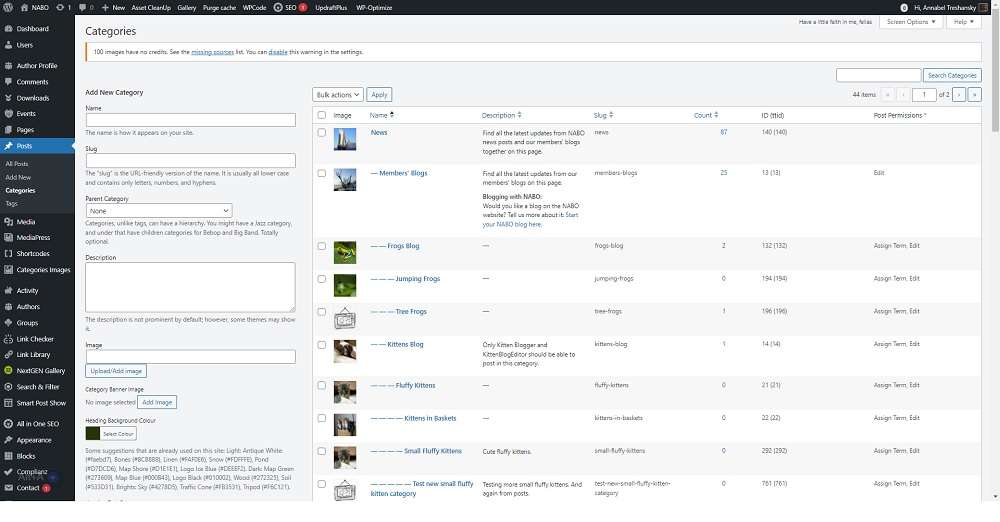
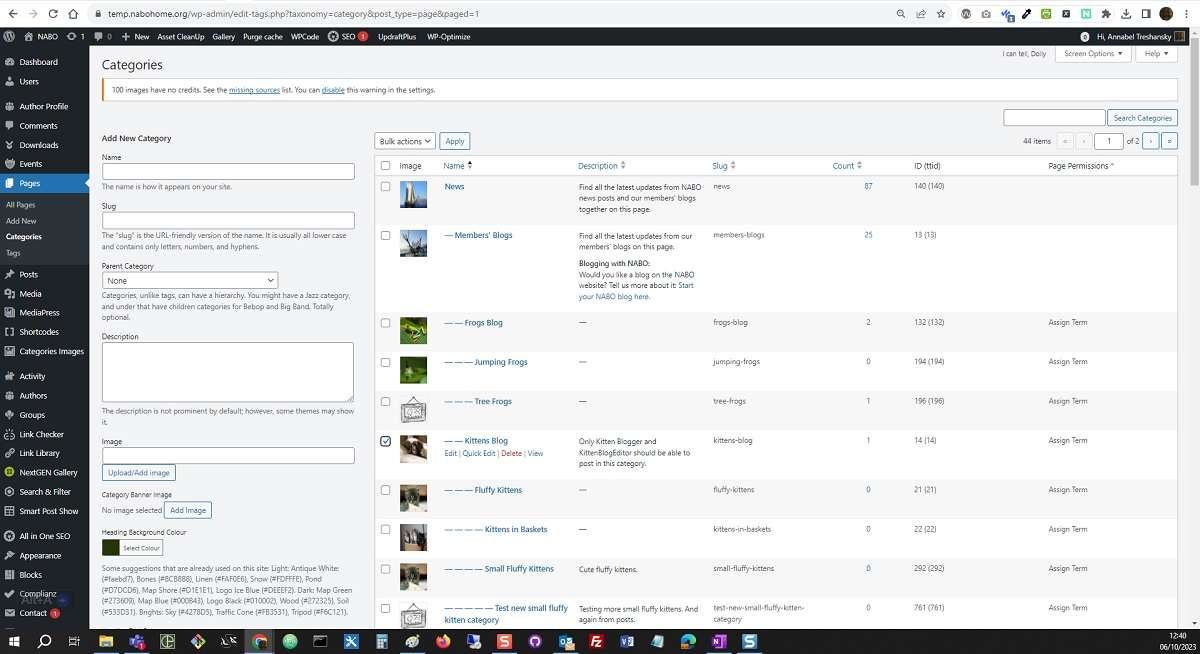
This is like a container for the subject of your blog, which only you and your co-authors can use. You can add your own pages and posts within this category. You can also create and edit new categories within your main category, if you want to separate your posts by topic. See the subcategories within the Kittens blog, as an example:
-
Category Custom Fields.
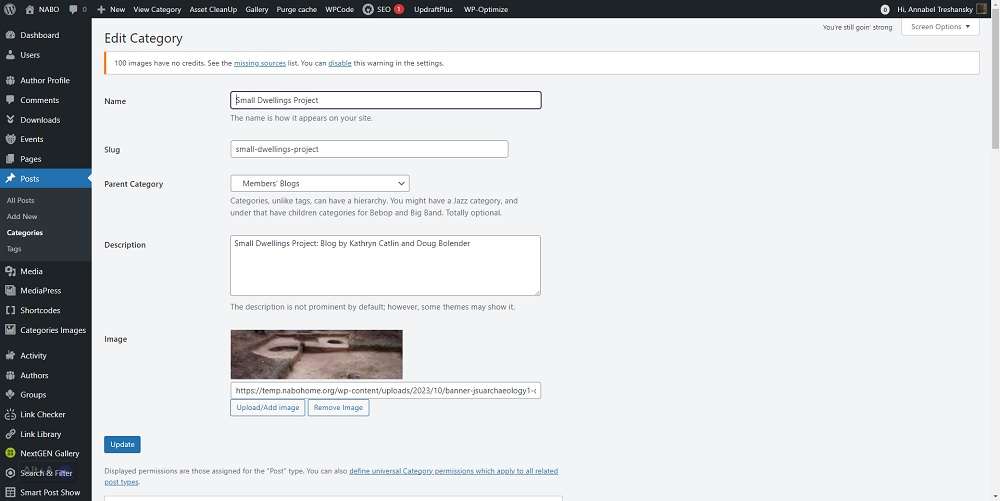
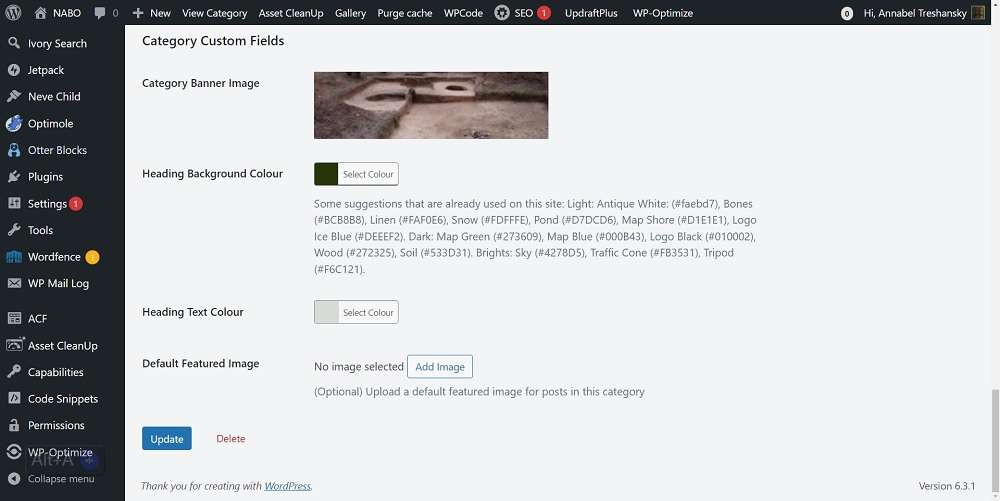
These allow you to set a default banner image, title, description, header background and text colours for your blog category pages.
To edit these fields, go to Categories, select the category you want to edit and click the Edit option that appears (eg see the edit option for the Kittens blog here):
Back to the top -
A ‘Latest Posts’ (category list) page for each of your categories.
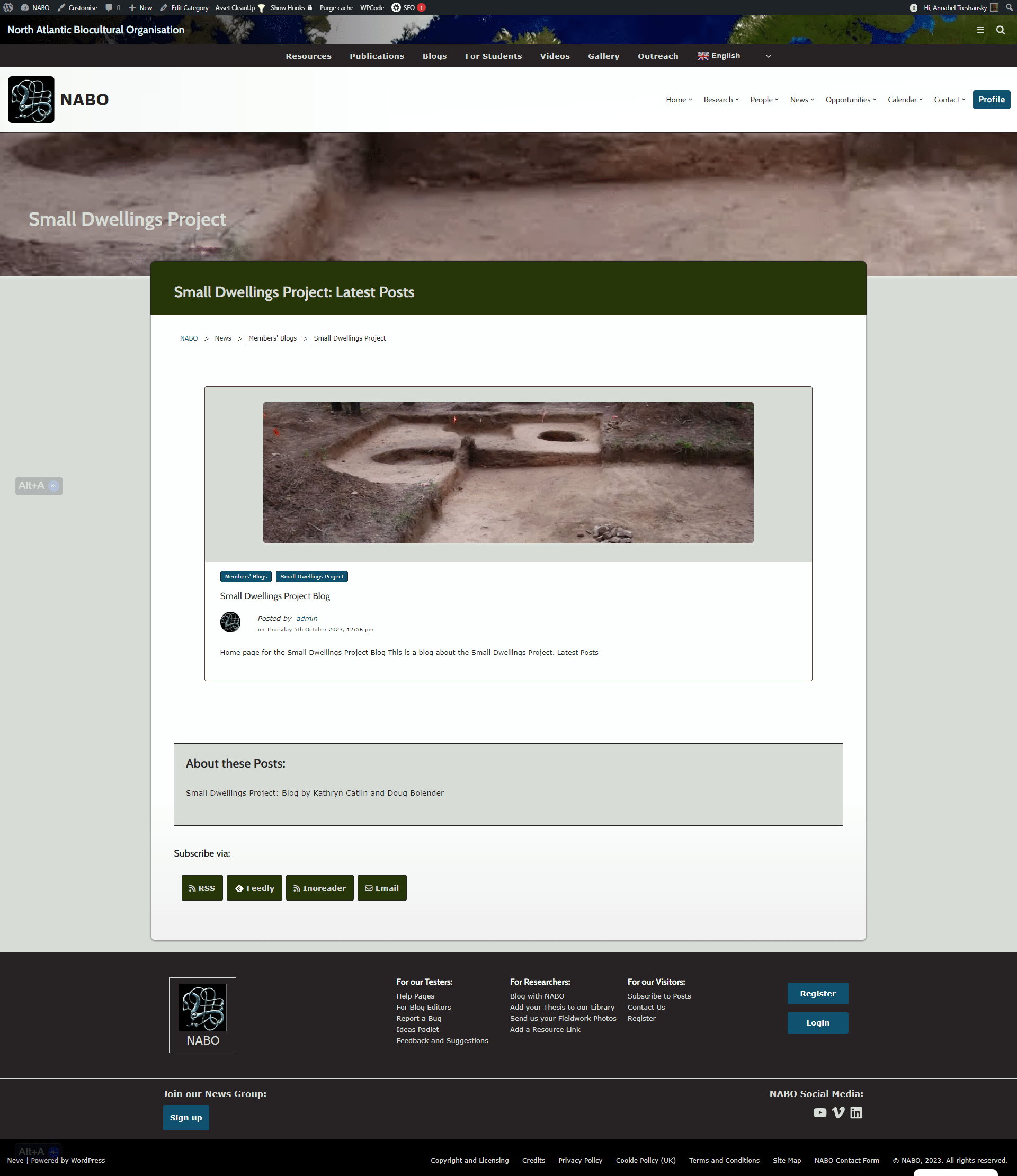
This includes the image, heading colours and blog description text from your category custom fields, and lists all the posts in your blog in date order, with the most recent posts first:
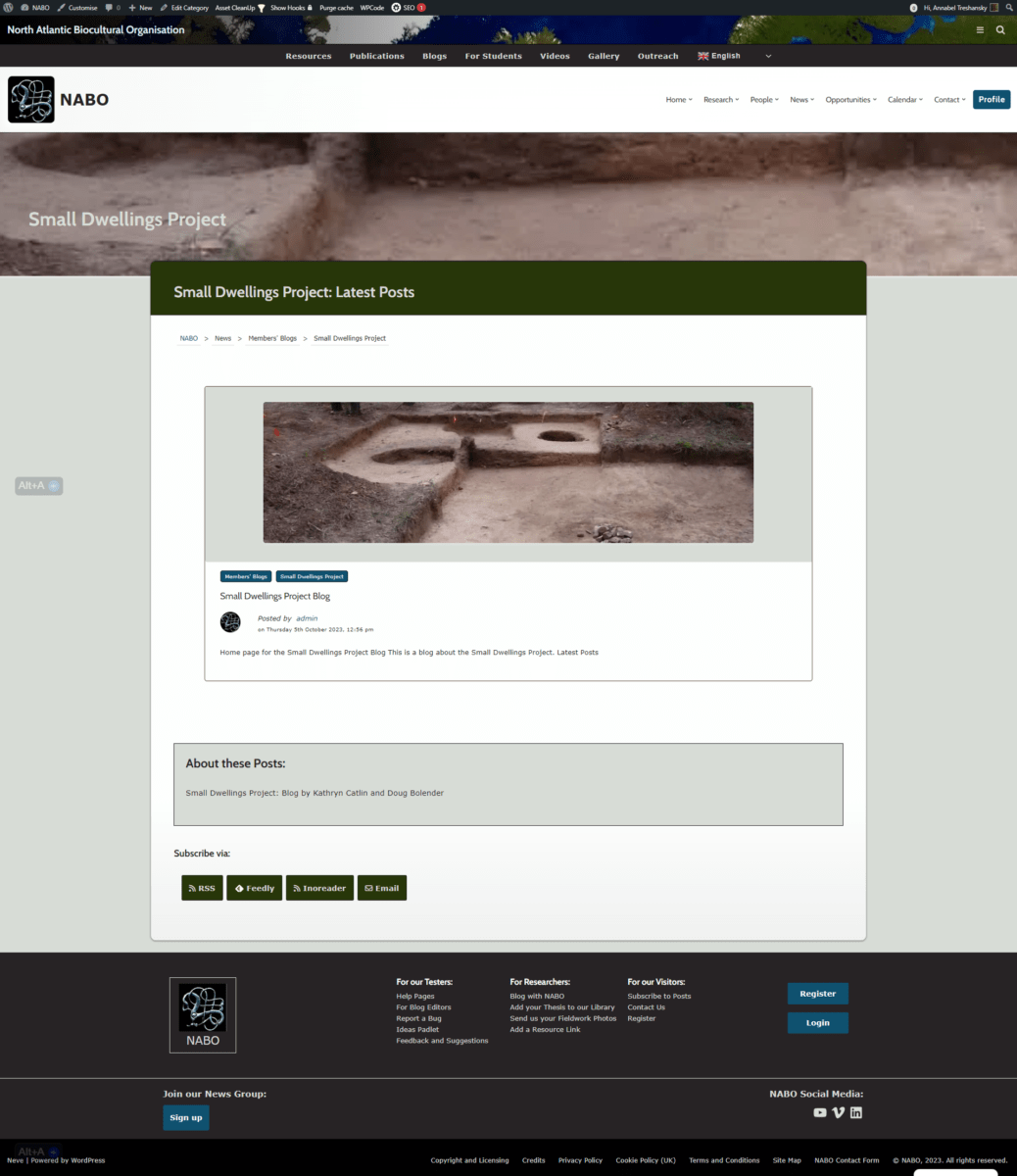
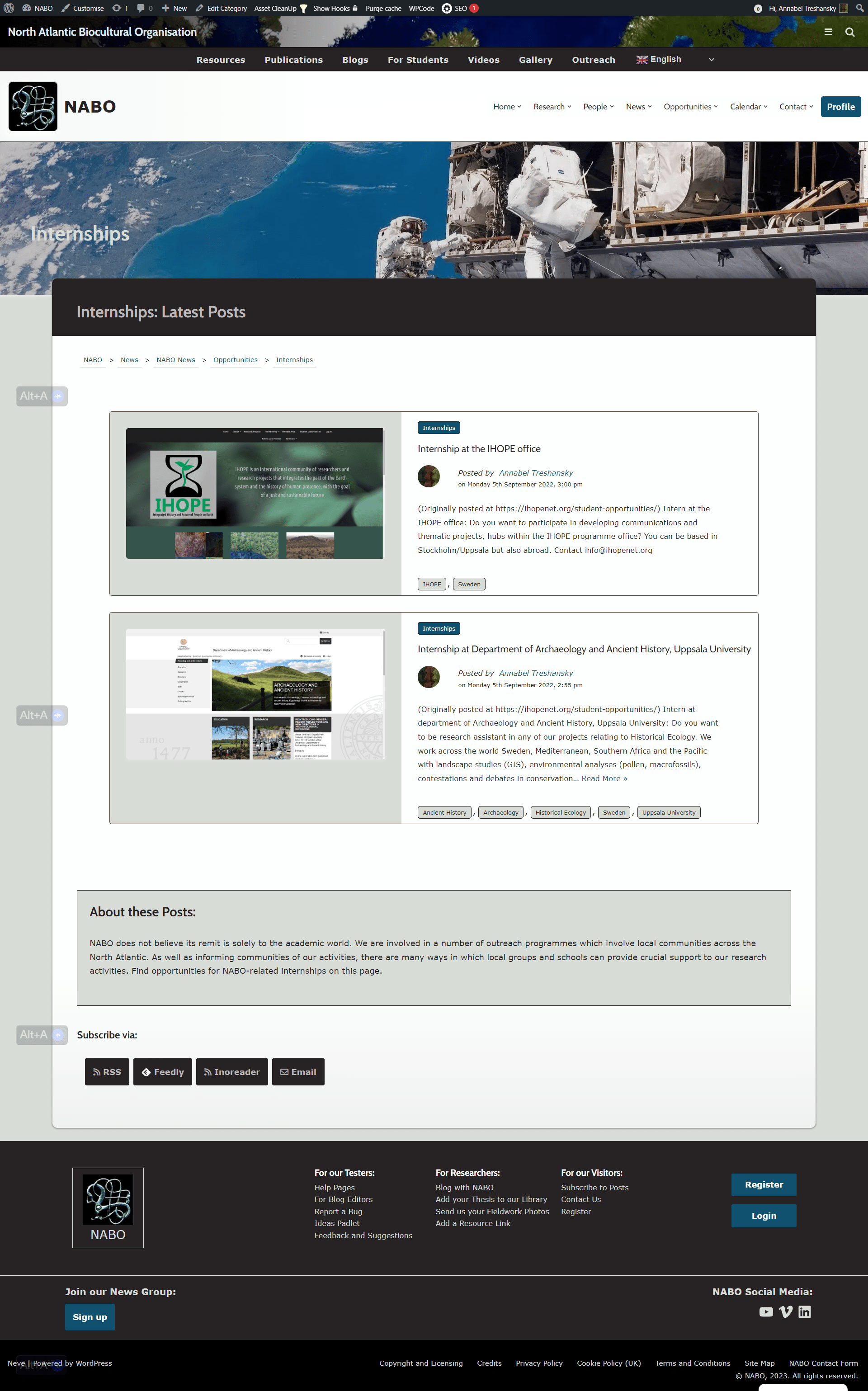
The display format for the posts on your list page changes to fit the page, depending on how many posts there are. The example above is a new blog with only one post.This is a category with 2-4 posts:
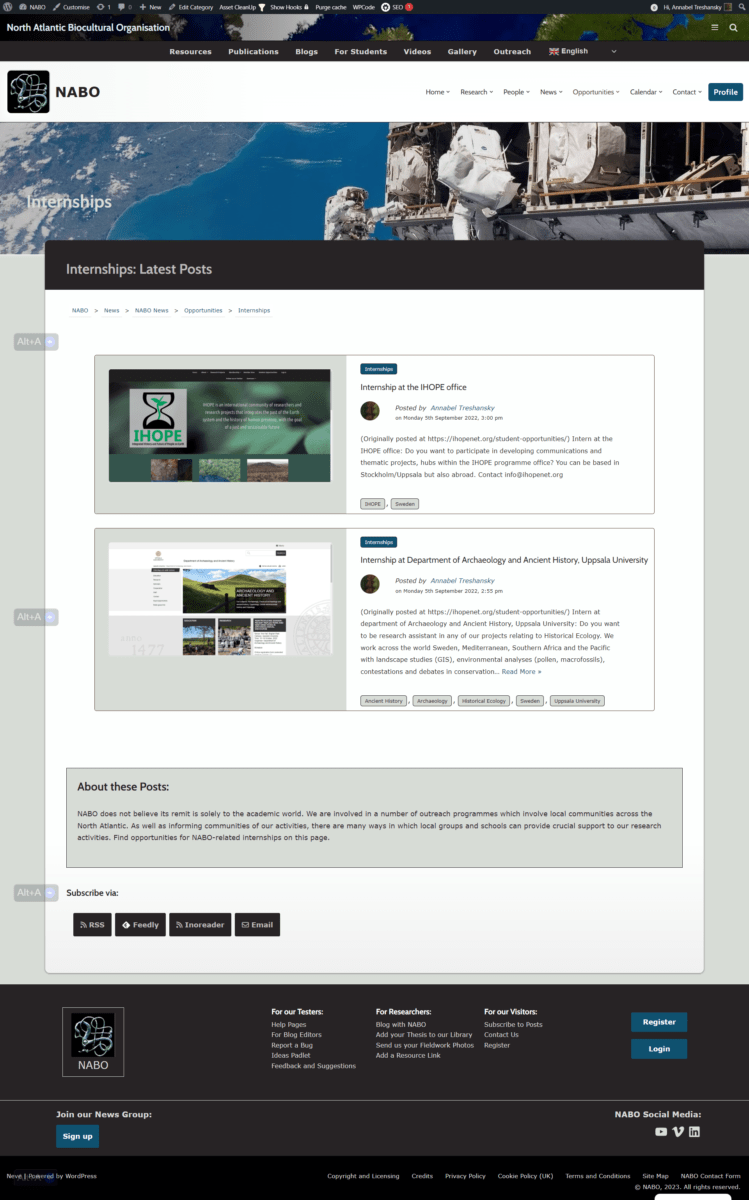
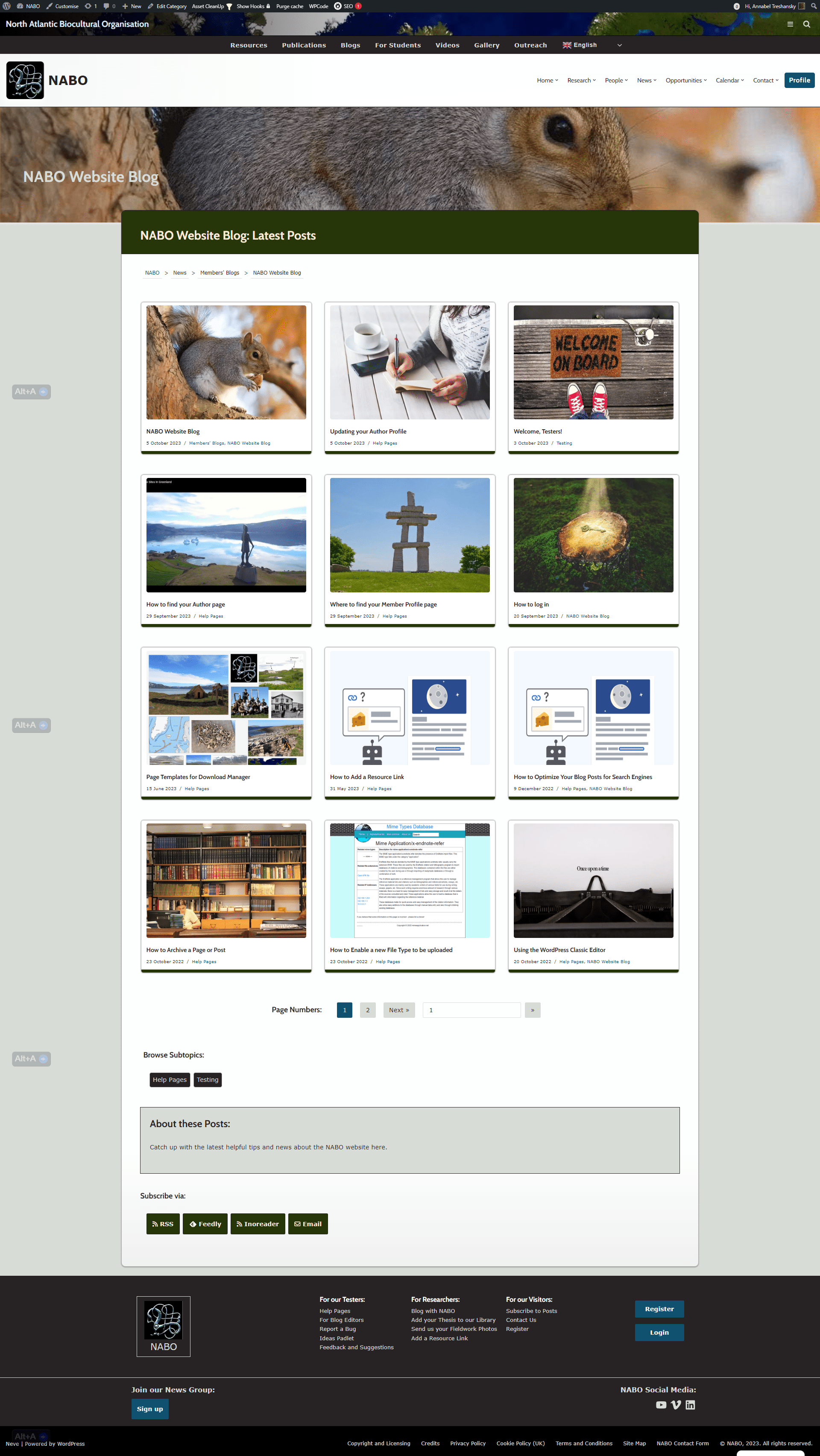
Finally, this is the format for a category with more than 4 posts:
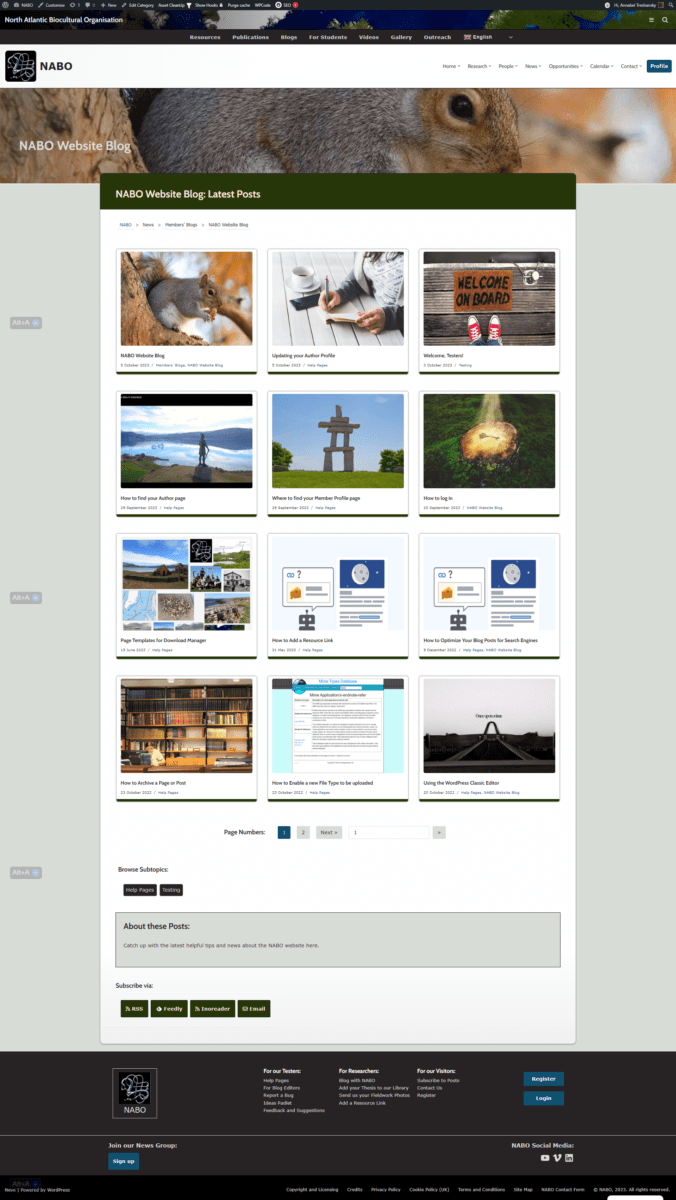
Up to 12 posts are listed on each page.
There are also links for visitors to subscribe to your blog by RSS.
Back to the top -
A home page.
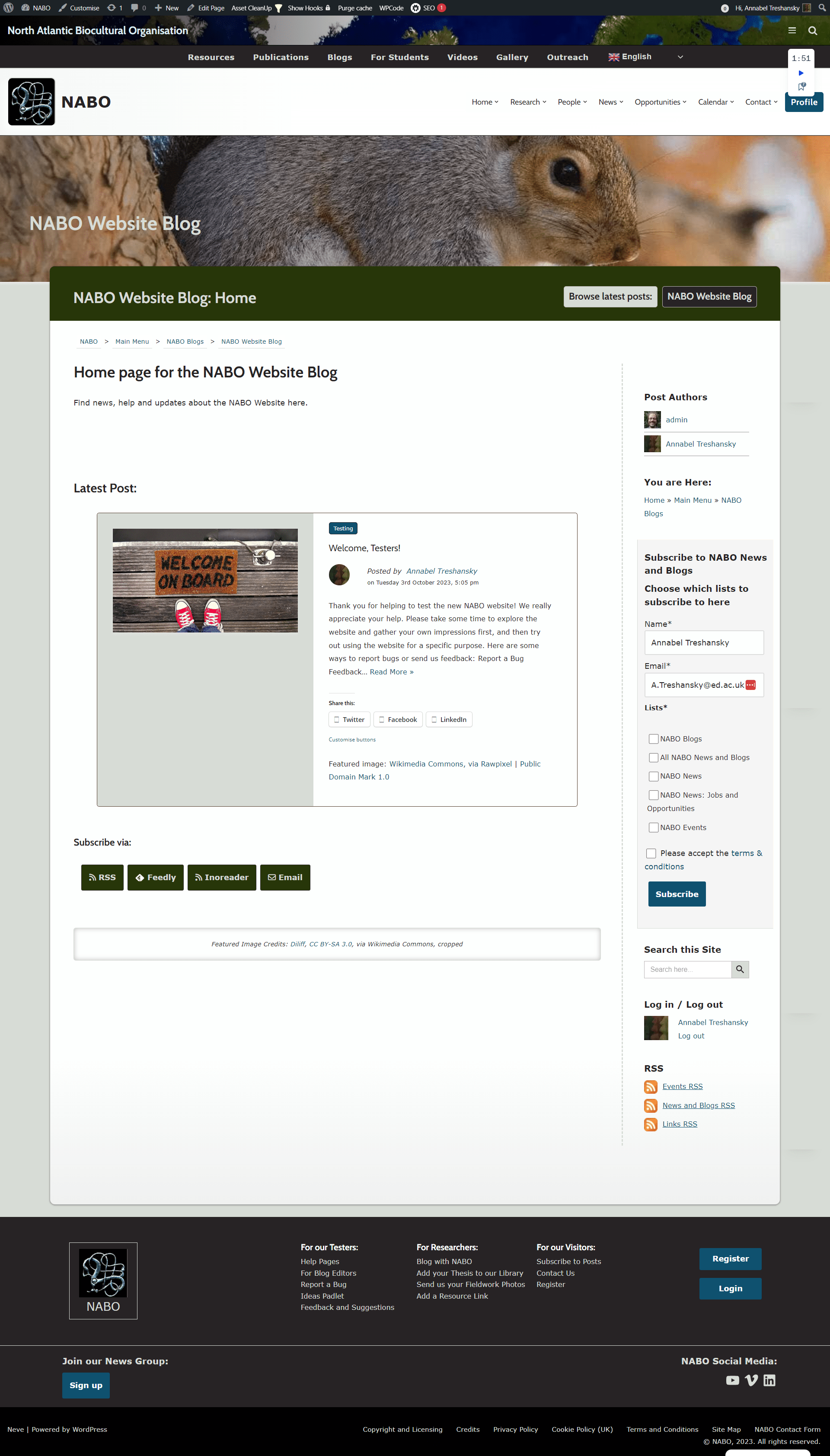
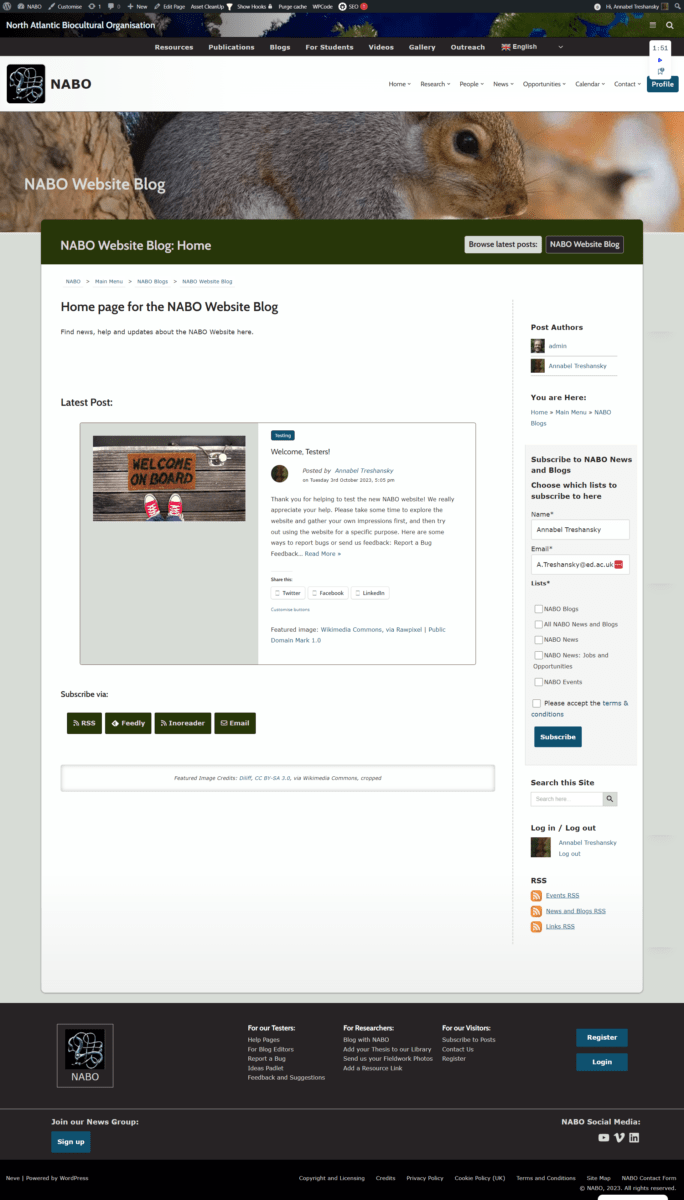
This uses a template that automatically includes a link to your category list page near the top, subscription links, an author box, and a preview of your latest post at the bottom. You can add any other content you want in between, or create your own alternative page if you prefer.
Here is an example of a blog home page without any extra content added:
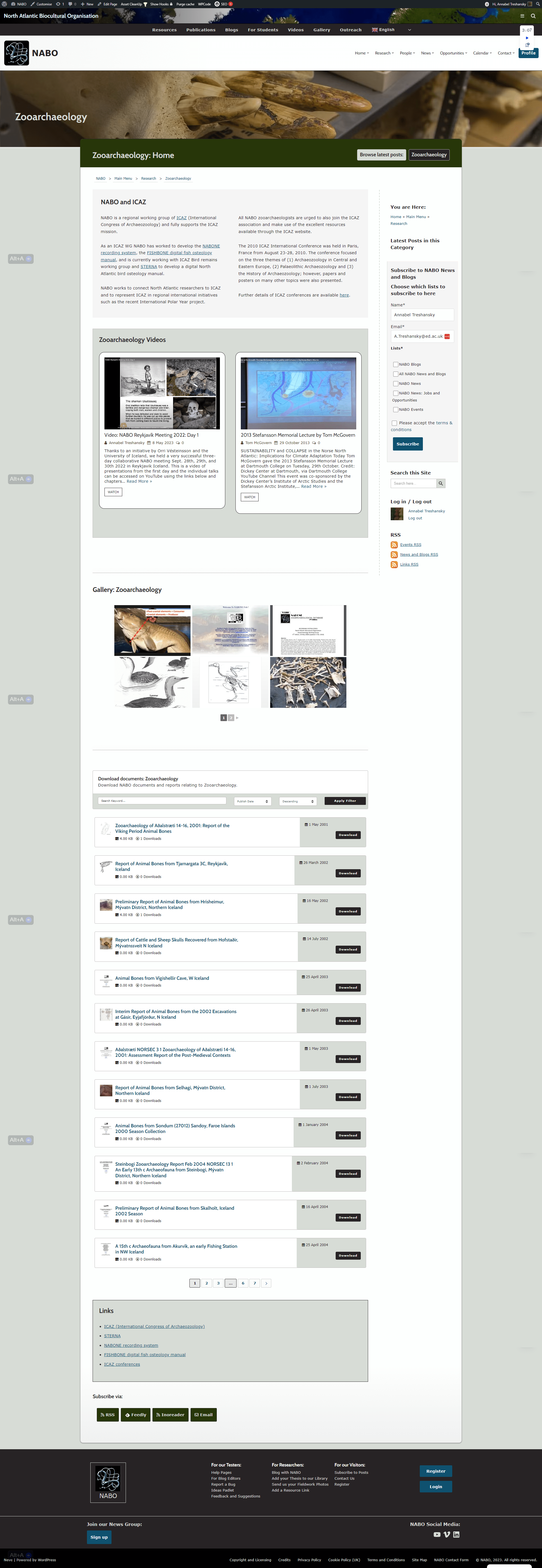
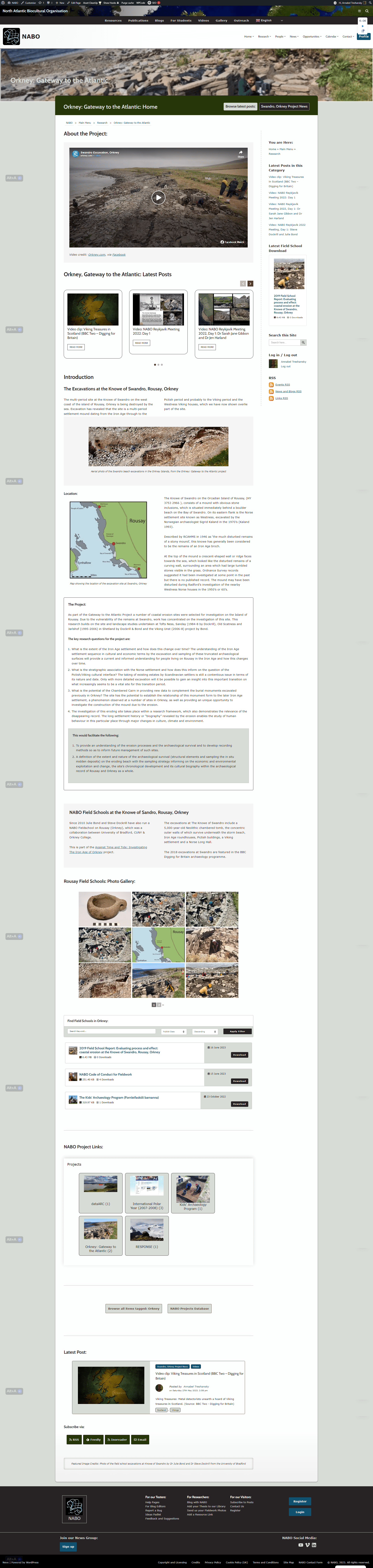
Here are some examples of the same page template with content added for the Zooarchaeology and ‘Orkney: Gateway to the Atlantic’ topics:
-
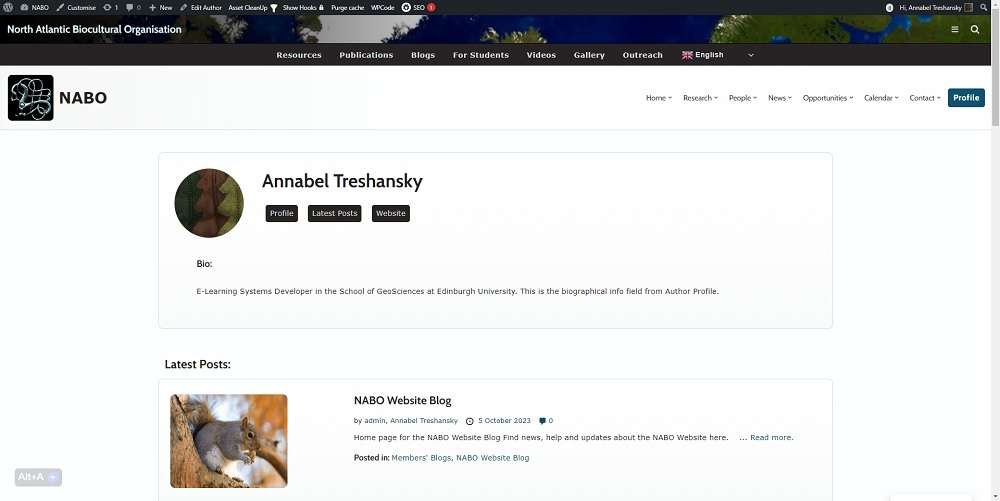
An Author page for each of your blog’s authors.
This page is linked from the author box in each of your posts. It includes your profile image and bio, links to your profile page and your own website, a listing of your posts on the NABO website, and an RSS link for visitors to subscribe to your posts:
-
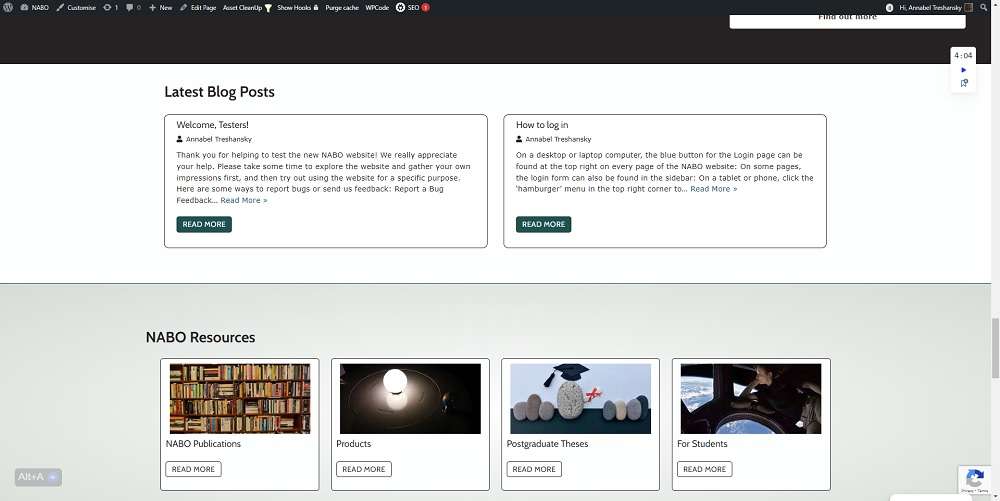
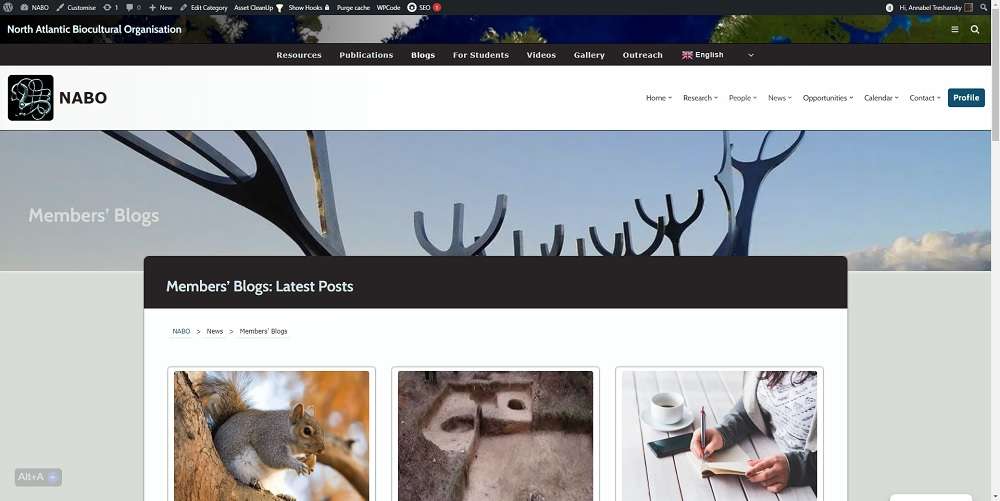
Listing of the blog’s home page and new posts on several main pages of the website:
The Members’ Blogs: Latest Posts page:
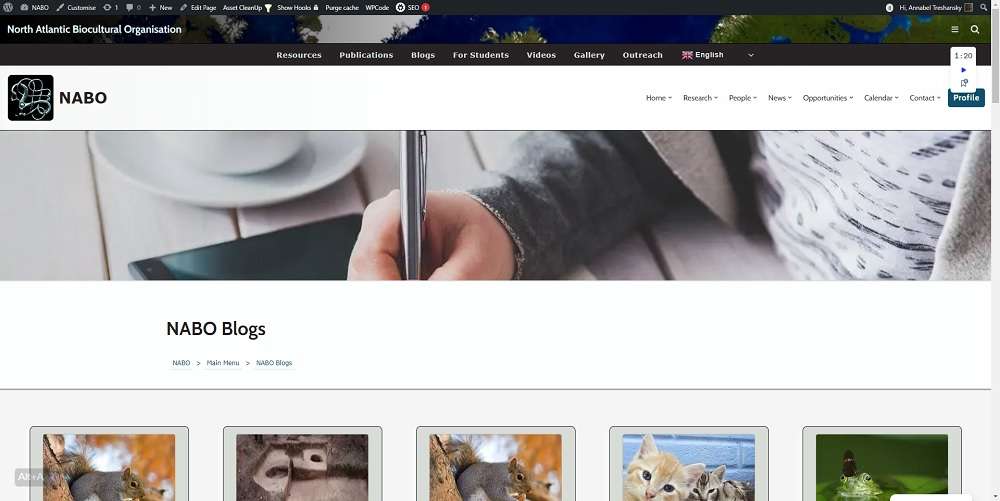
The NABO Blogs page: